Freeze the accepted configuration and name the owners
Begin with the accepted quotation, configuration sheet and approved menu layout. Confirm that the delivery list refers to those same revisions. If the equipment or software remains undecided, return to the digital menu board buying guide first. An installation checklist should turn an accepted specification into a working site, rather than conceal unresolved purchasing decisions.
Use model-specific values in the acceptance record. For example, Alihh's published 43-inch menu-board configuration lists 500 cd/m² brightness. Record the value confirmed for your ordered configuration; do not substitute a different option from a category range. Ask for written clarification if the delivery documentation does not match the accepted specification. Keep the item open until the discrepancy is resolved.
Name the people responsible for site readiness, installation, network approval, content publishing and commercial acceptance. One person may cover several roles, but leave no role implied. Record who can approve a change when the installer finds an unexpected site condition. Share the same document with everyone before arranging the installation visit, and identify the latest approved version at its top.
Record the setting and customer sightlines
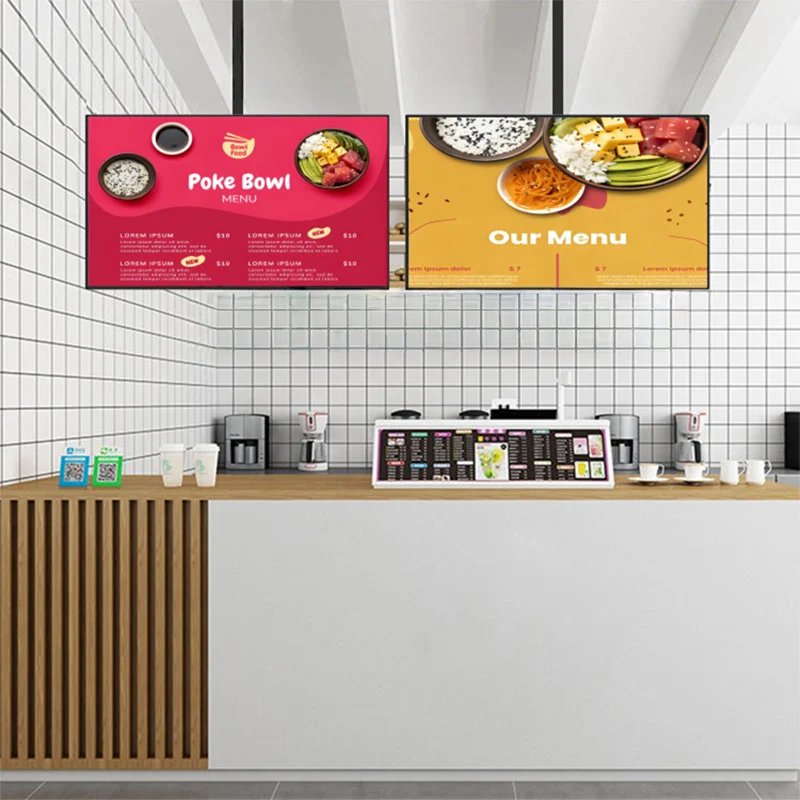
Prepare photographs and a labelled elevation of the intended display area. Include the ordering counter, queue approach, nearby signs and equipment that could obscure part of the menu. Mark the intended screen positions and orientations. Ask the restaurant manager to review the arrangement from the places where customers are expected to read it, using a representation of the approved menu rather than a blank rectangle alone.
Record relevant lighting conditions and possible reflections at those viewpoints. Ask the equipment supplier to confirm that the selected configuration is appropriate for the described indoor setting. If the proposed location changes, repeat that review; an accepted drawing for one wall should not silently become approval for another. Keep environmental requirements tied to the supplied equipment documents instead of using generic brightness or clearance rules.
Agree on access arrangements with the restaurant team. Identify who will clear the work area, when the installer can enter and how equipment can be moved without obstructing service. Record any landlord or site approvals that the project requires. These preparations belong in the readiness checklist so the arrival of the displays is not mistaken for confirmation that the location is ready.
Have the installer verify support and service access
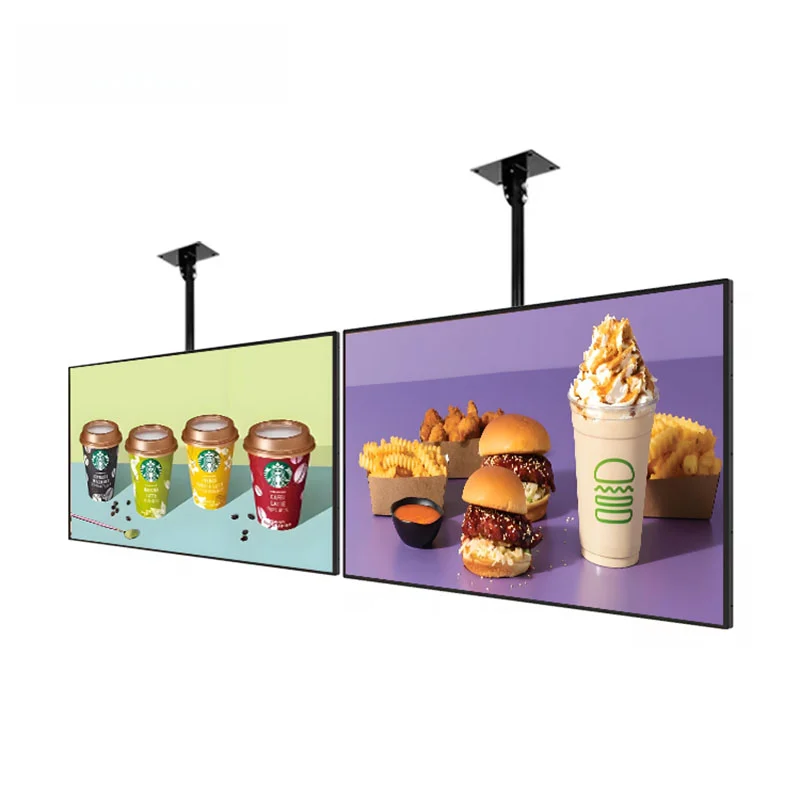
Alihh describes wall and ceiling mounting for its menu-board range. Ask a qualified installer to review the specific method proposed for your site, using the actual display and mount documentation. The category description does not establish that a particular wall, ceiling or bracket is suitable. Obtain the installer’s confirmation of the supporting structure and attachment plan before scheduling the equipment fitting.
As the Ergotron mounting guide explains, hole pattern and monitor weight are key compatibility criteria. Match the documents for the selected display and mount rather than selecting by screen size alone. This general reference supplies neither an Alihh hole pattern nor model-specific installation instructions.
Include service access in the review. Ask how a technician will reach the connections, identify the unit and remove it if service is required. Have the installer confirm the clearances specified by the equipment documentation and the handling plan for any separate accessories. If the drawing changes after that review, have the affected parties approve the revision. Keep a record of the installed arrangement rather than relying on the original concept image.
Prepare power and cable routes with site professionals
Give the selected equipment's electrical requirements to the qualified professional responsible for the site supply. Ask that person to confirm the power provision and any work required under the applicable local rules. Do not use a generic menu-board checklist as a wiring instruction. Record who has accepted the completed provision and which unresolved items would prevent installation from proceeding.
Coordinate connection locations with the mounting drawing. Ask the installer and relevant site professionals to review cable routes, access to connections and the space required for supplied accessories. Identify who provides each cable and how it will be labelled. Where separate playback equipment is proposed, include it explicitly in the drawing and equipment list; don't assume that space behind a screen has already been allocated for it.
Before the visit, ask the responsible parties to confirm that their preparation is complete. Attach photographs or the relevant acceptance record where useful. If a required connection is unavailable, agree on the next step before equipment is mounted. Avoid improvising a permanent installation around a temporary arrangement simply to finish the visit. Capture the issue, its owner and the condition that must be met to close it.
Verify network approval and CMS account ownership
Alihh's menu-board category describes a built-in Android system and remote CMS support. For the ordered configuration, obtain the actual software details and connection requirements from the supplier. Ask the site IT owner to approve the proposed access before installation. Record who owns the CMS account, who can publish menus and how authorised staff obtain support. Don't presume that remote CMS support includes a particular authentication method or licence arrangement.
The Sharp NZ signage network security guide discusses reviewing segmentation, cloud destinations and access permissions with IT. Apply the principle through your organisation's policies and the capabilities documented for your selected equipment. This is planning guidance, not evidence that an Alihh model provides the security functions discussed by Sharp.
Ask IT and the supplier to confirm the authorised connection procedure and any restrictions that affect publishing. Arrange a test using the approved menu and destination before handover. Keep passwords out of shared photographs and the general installation checklist; use the organisation's approved method for transferring access. If a temporary installer account is used, assign responsibility for reviewing or removing it when the work is complete.
Stage the equipment and label each content destination
Before the units reach their final positions, compare the delivered items with the accepted packing and equipment lists. Record identification details and inspect the items using the supplier's delivery procedure. Photograph discrepancies and raise them through the agreed contact. Keep packaging as directed while the delivery check is unresolved. Do not change the accepted specification simply because a different accessory has arrived.
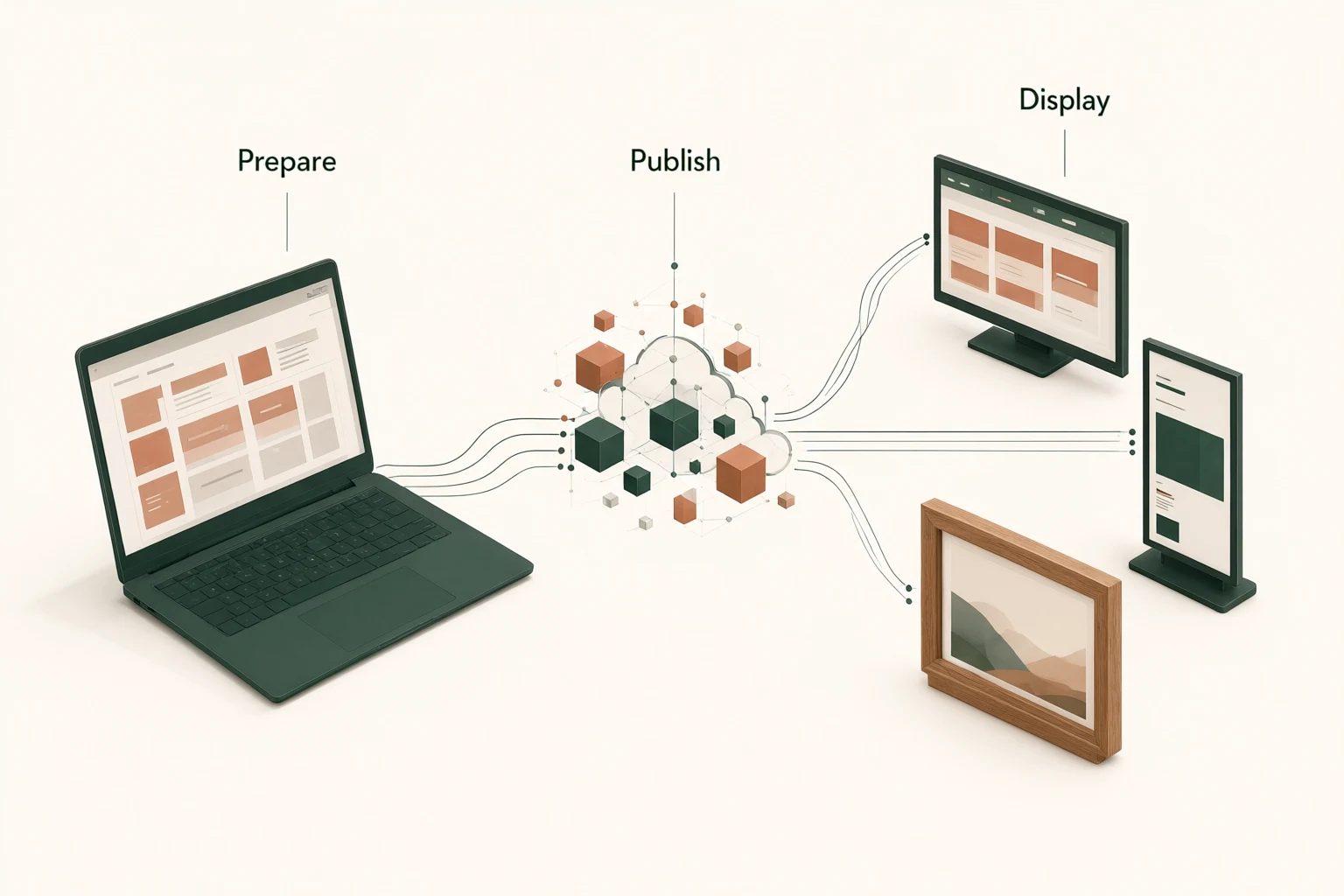
Create a destination map using names the restaurant team will recognise, such as the location and menu position. Match each physical screen to the corresponding destination in the agreed publishing workflow. If the software supports different naming or grouping options, ask the supplier to demonstrate the selected approach. The goal is a clear connection between the operator's choice and the display being updated, not an assumed CMS feature.
Load the approved content through the documented process and compare the result with the destination map. Check the menu version, orientation and item placement. Keep promotional drafts away from the acceptance content. If the project includes requested branding or enclosure changes, compare them with the approved OEM/ODM project requirements and drawings, rather than approving a substitution informally during installation.
Run agreed menu, update and restart checks
Use a written acceptance sheet with an expected result beside each check. Review the installed menu from the agreed customer viewpoints with the restaurant lighting in its intended state. Check names, prices, cropping and screen assignments against the approved content. Ask the restaurant representative to record whether the menu can be followed from those positions. Photograph the result as supporting evidence, while recognising that a photograph alone does not replace an on-site review.
Have the designated operator perform an authorised menu change through the agreed workflow. Confirm the destination and visible result, then restore the approved content where appropriate. If scheduled changes are part of the accepted software scope, include an agreed schedule test. Only test functions that are documented and authorised for the configuration; don't turn a handover exercise into an unplanned software experiment.
Arrange restart and update-recovery checks with the supplier and site professionals, following the equipment documentation. Record what the display shows afterward and which actions the operator must take. Do not interrupt unrelated restaurant systems to create a test condition. Mark any untested function as outstanding, with an owner and a later verification plan. A successful short check demonstrates that check's result, not a promise of uninterrupted future operation.
Hand over records, access and unresolved issues
Collect the accepted configuration, installed-position photographs, equipment identifiers, supplier documents and completed test sheet in the handover record. Include the approved menu version and destination map. Record the content operator's training and the support route for hardware, software and site issues. Make it clear which party handles each type of request, so the restaurant manager does not need to reconstruct the project responsibilities during service.
Keep a separate list of open items. Each needs an owner, an expected result and an agreed review point; avoid a vague note that the supplier will check later. Distinguish accepted work from items still awaiting approval. For future locations, use the restaurant menu display category to revisit the product range, but retain this site's final configuration as its own record.
Before closing the project, ask the restaurant team to explain how they will make the next menu update and whom they will contact if it fails. If your installation brief still has unanswered equipment questions, send the menu-board configuration and site requirements for review. Attach the relevant drawing and identify the unresolved decision. That gives the supplier a specific issue to address before the next installation step.
Sources and further reading
External references explain general planning principles. They do not establish Alihh product compatibility or model-specific specifications.