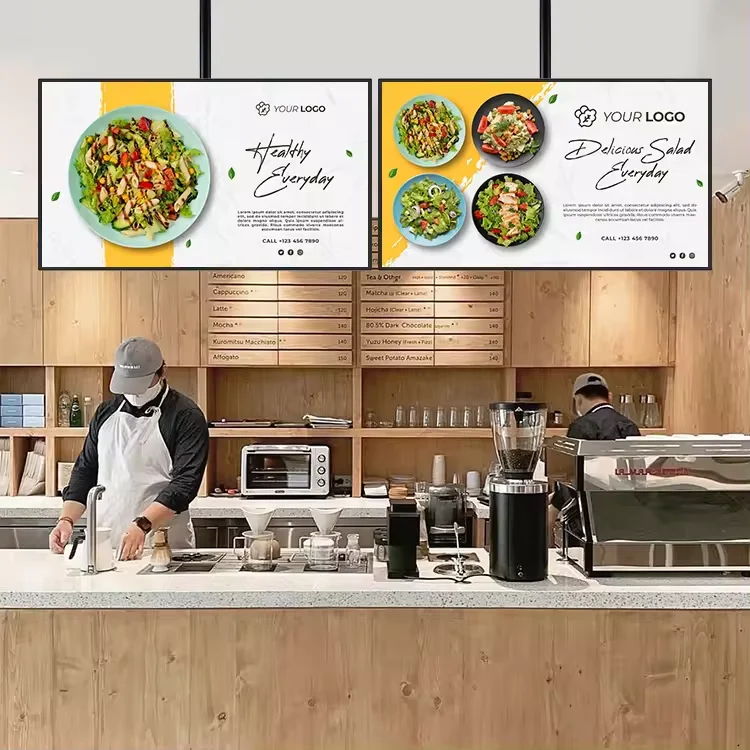
Compare sizes using your menu and real viewing positions
Begin with a layout mockup. Show the longest item names, modifiers and prices your team expects to use, rather than placeholder text. Mark the positions where customers first study the menu and where they finish ordering. Review the proposed screen arrangement from those positions, including an off-centre queue. If the layout is hard to follow, try simplifying the menu hierarchy before treating a larger display as the only answer.
A 32-inch digital menu board can be included in a size comparison, but the diagonal measurement isn't an acceptance test. Request the selected unit's outline dimensions and place them on the counter elevation. Include neighbouring equipment, signage and planned gaps in the drawing. Check how the full arrangement fits the space instead of judging an isolated product image.
Ask the supplier to show your approved menu at the proposed output settings. Record which parts need revision and repeat the review with the corrected file. Keep the final version as a reference for sample approval. This gives purchasing and design teams a shared way to discuss readability without inventing a universal viewing-distance rule.
Confirm the selected display specification in writing
Alihh's menu-board category lists selectable brightness from 500 to 700 nits. That is a range of options, not a statement that every unit has the highest value. The published 43-inch menu-board configuration lists 500 cd/m². Ask for the brightness of the exact configuration in your quotation and assess the sample in the intended indoor lighting. Neither figure establishes suitability for direct outdoor sunlight.
Document reflections, windows and lighting that may affect the menu position. Give the supplier photographs taken from customer viewpoints and explain when the restaurant operates. Request confirmation of the selected display's supported operating schedule and installation environment. Don't turn a long opening day into an assumed continuous-operation rating. Treat an unanswered specification as a question to resolve before ordering.
Confirm resolution, orientation and content-output settings for the quoted model as well. Have the supplier identify which specification sheet belongs to that configuration. If a headline, brochure and quotation disagree, request a corrected written specification; don't choose whichever number sounds better. Attach the accepted revision to the purchase record so future units can be compared against the same requirement.
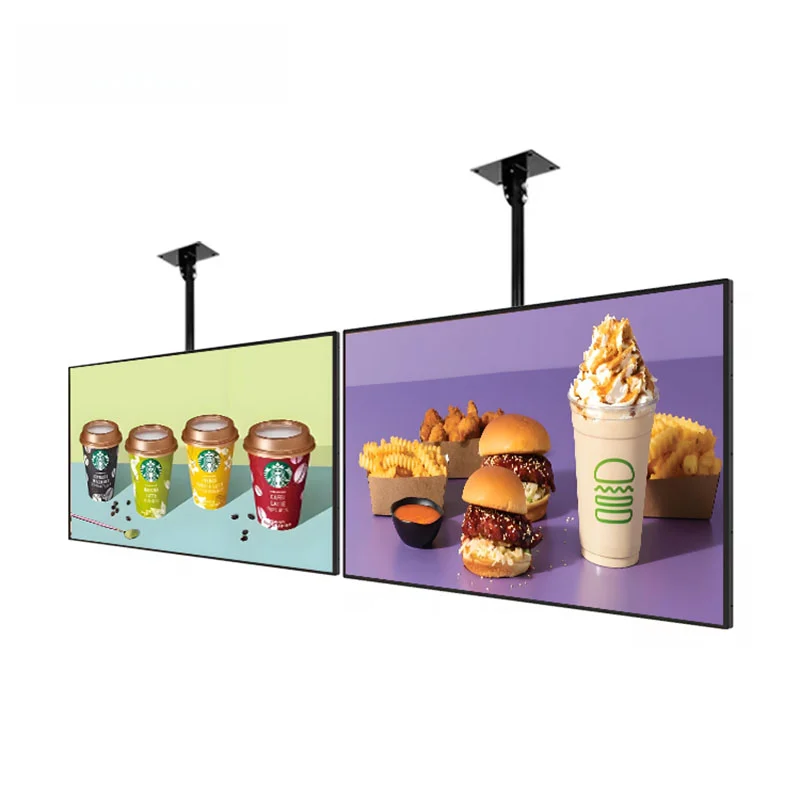
Separate playback hardware from CMS responsibilities
Alihh describes this menu-board range as having a built-in Android system and supporting remote CMS. Those statements are a starting point for a software discussion. Request the proposed software name and version, the publishing method, any licence charges and the party responsible for account administration. Ask what happens when a licence expires or the restaurant changes its content provider. Do not read remote CMS support as a promise of free service or universal software compatibility.
As an industry example, BrightSign's Quickstart Guide treats player setup, publishing methods and cloud services as distinct subjects. The useful purchasing question is which workflow your own proposal includes. This example does not establish compatibility between BrightSign and an Alihh display.
Ask for a demonstration starting with an ordinary menu edit and ending at the selected screen. Who signs in, chooses the destination and confirms the result? Request a documented recovery procedure for an interrupted update, and ask the supplier to explain any network dependency. Record what was demonstrated and what still needs confirmation. A screen playing a prepared video is not evidence that your staff can manage tomorrow's menu.
Check mounting feasibility before approving the hardware
Alihh describes wall and ceiling mounting for the menu-board range. That doesn't specify the attachments, structural support or installation labour included in your order. Have a qualified installer review the intended location and request the exact display and mounting documents. Ask who supplies the mount, who checks the supporting structure and how a technician will reach connections after installation.
The Ergotron VESA mounting guide identifies mounting-hole pattern and display weight as key compatibility checks. Use the documentation for the actual display and mount together. Screen diagonal alone is not enough to select the mounting hardware, and this reference does not certify an Alihh model or establish its hole pattern.
Include the full arrangement in the installer review: display positions, access behind the screens and any planned external equipment. Request confirmation of the clearances required by the selected equipment documentation. A neat front elevation is only part of the proposal. Before placing the order, identify any site work that must be finished and which party will accept it.
Compare complete quotations, including customization
Put competing proposals into the same scope format. Ask each supplier to identify the display configuration, accessories, software charges, content services, packing, freight assumptions and installation responsibilities. Mark optional items clearly. Request written warranty and service terms for the quoted order, including who handles diagnosis and shipping when a unit needs attention. A low hardware line price is difficult to interpret when the rest of the scope is missing.
If you need branding or another custom requirement, describe the requested result rather than assuming it is available. Provide the relevant artwork, drawing or interface requirement and ask the manufacturer to confirm feasibility, approval steps, quantities and timing. Keep unconfirmed requests outside the accepted specification until there is a written response. Don't allow a sample image to become an accidental production instruction.
Ask how configuration changes will be recorded between sample approval and a later order. For a staged restaurant rollout, request identification of the approved components and software revision, together with the proposed handling of substitutions. These are purchasing questions, not promises that any particular supplier offers a fixed production schedule or unchanged components indefinitely.
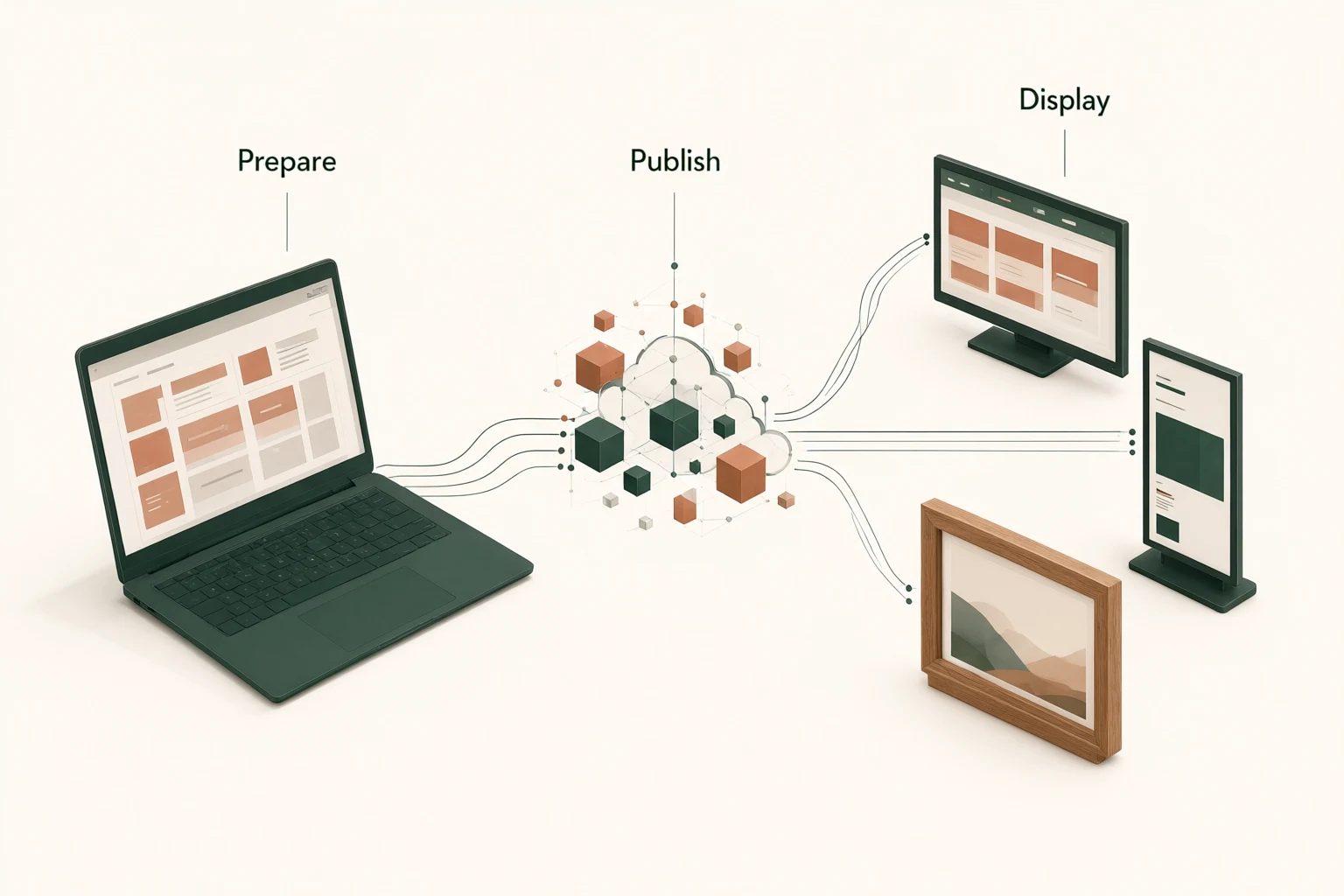
Approve a sample through an actual menu update
Prepare a sample-review sheet before the demonstration. List the menu file, intended orientation, customer viewpoints and software tasks to be checked. Ask the person who will maintain the restaurant's content to participate. Have them perform an approved edit and confirm the correct destination with the supplier present. Record any training or permissions they need rather than treating the supplier's successful demonstration as completed staff handover.
Review the physical sample against the proposed installation drawing. Check the supplied accessory list and collect the relevant documentation. Request an agreed restart test and a demonstration of the documented update-recovery procedure where supported. Record observed results without turning a short demonstration into a claim about long-term reliability. If a feature wasn't tested, label it unverified.
Separate acceptance issues from preferences. An incorrect price on the wrong screen needs a clear resolution; a preferred background colour may only require artwork revision. Give each open item an owner and an acceptance condition. Obtain the corrected specification and repeat affected checks before using the sample as the reference for a larger purchase.
Send an actionable RFQ, then prepare the site
Your request for quotation should include the intended indoor setting, a sample menu, the proposed screen arrangement, quantities by location and the publishing workflow you want demonstrated. Add photographs of the installation area and identify any required customization. State your preferred schedule as a request for confirmation. Ask the supplier to return a configuration-specific proposal with exclusions, unresolved questions and the documents needed by your installer.
Once the hardware and software scope is accepted, move to the digital menu board installation checklist. It covers site responsibilities, staging and handover without reopening every buying decision. Keep the accepted specification attached to that checklist so the installer, content operator and purchasing team work from the same version.
Ready to compare a configuration? Send your menu-board requirements for review, including the menu layout and site photographs. The next useful step is a written response to your actual operating brief: what is included, what needs confirmation and what must be prepared before installation.
Sources and further reading
External references explain general planning principles. They do not establish Alihh product compatibility or model-specific specifications.